Ads through ad spaces: each has an ID, a size and up to ten ads that rotate. Place spaces anywhere, and sell them to members.
Ad spaces and ads
- Activate Ads Manager in MyStudio → Modules; open MyStudio → Ads Manager.
- Add an ad space: name, ID (e.g.
header), a standard or custom size, 1–10 ads, who sees it, rotation. - Add ads: an image with a link, or ad network code.
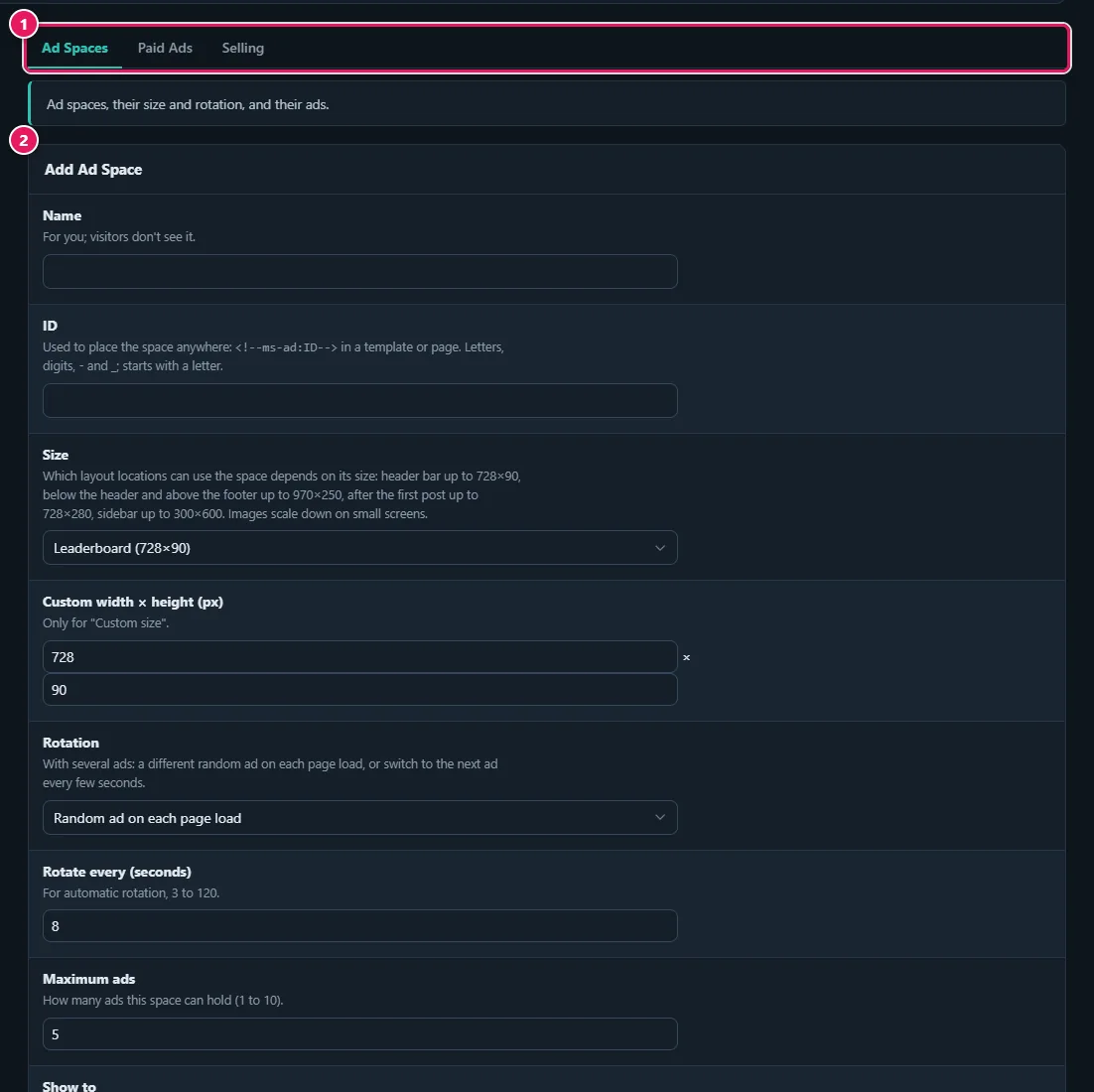
RotationRandom per page, or switching every 3–120 seconds.
Show toChosen groups only (hide ads from paying members).
ActiveAn inactive space shows nothing.
Ad code runs in every visitor's browser: only super admins, or those allowed in Delegation, can save it.
Place ad spaces
MyStudio OptionsHeader bar, below the header, after the first post, above the footer (Ads & Widgets), and sidebar blocks. Only fitting sizes are offered.
Anywhere
<!--ms-ad:header--> in a template or page.Sell ad spaces
Switch on Sell ad space, choose the currency, mark spaces For sale with Packages (days = price, e.g. 30 = 19.00).
- Members pick a space and package, upload image and link, and pay through Payments.
- With Approve first, bought ads wait in Paid Ads; their time starts on approval.
- Members see ads, clicks and end dates in User CP → Advertising and renew there.
Add Guidelines, turn on Tell the staff for an email per paid ad, and cap Unpaid orders per member.
Tips
- Standard sizes (728 × 90 header, 300 × 250 sidebar) fit the theme and ad networks.
- On phones, wide header spaces get their own row.
- Offer an ad-free forum by leaving paying groups out of Show to.