Every MyStudio forum needs an activated licence key. It switches MyStudio on and brings one-click updates for as long as your licence includes them.
- Your key is in your forumeze.com User CP → My products
- Paste it in MyStudio → Licence & Updates
- Local copies and one staging site are free; nothing is ever deleted if a licence ends
Find your licence key
Activate it on your forum
- Admin CP → MyStudio → Licence & Updates (super administrators only).
- Paste the key into Licence key and click Activate.
- The status turns Licensed, with the sites used and the date your updates run until.
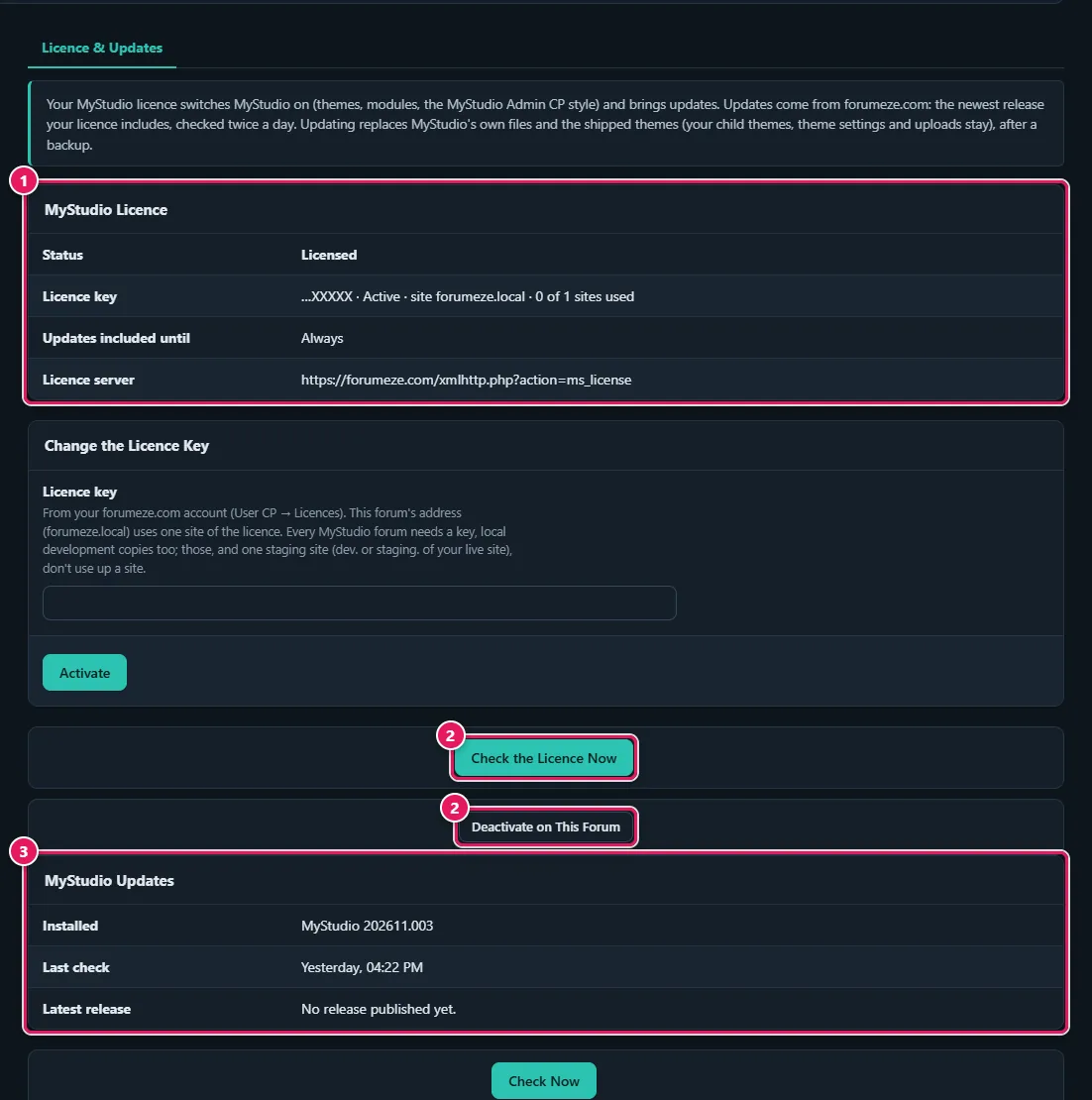
On a new forum, the first activation also makes MyStudio Default the default theme and switches on the MyStudio Admin CP style. A forum set up before keeps its choices.
Local, staging and live sites
Every forum running MyStudio needs the key activated, a copy on your own computer too. Not all of them count:
| Site | Examples | Uses a site of your licence? |
|---|---|---|
| Local copy | localhost, private IPs, .local, .test | Free |
| One staging site | dev. or staging. of your live address | Free |
| Live forum | your domain | One site each |
Move to a new domain or server
- On the old forum, click Deactivate. The site is freed and MyStudio switches off there.
- On the new forum, activate the same key.
Lost access to the old forum? Contact support and we'll free the site for you.
How the licence stays up to date
When a licence ends
Expired, revoked or moved: everything keeps working for 14 days, and the Admin CP says until when. Then MyStudio switches off:
- MyStudio themes are hidden and the forum uses MyBB's default theme
- The Admin CP uses MyBB's own style
- Modules stop loading; the MyStudio menu shows only Licence & Updates
Nothing is deleted. Activating a key brings back themes, default theme, Admin CP style, settings and module content exactly as they were.
When your updates period ends
The forum keeps working, and you keep every release published while updates were included. Newer releases are listed with a note to renew. See updating MyStudio.