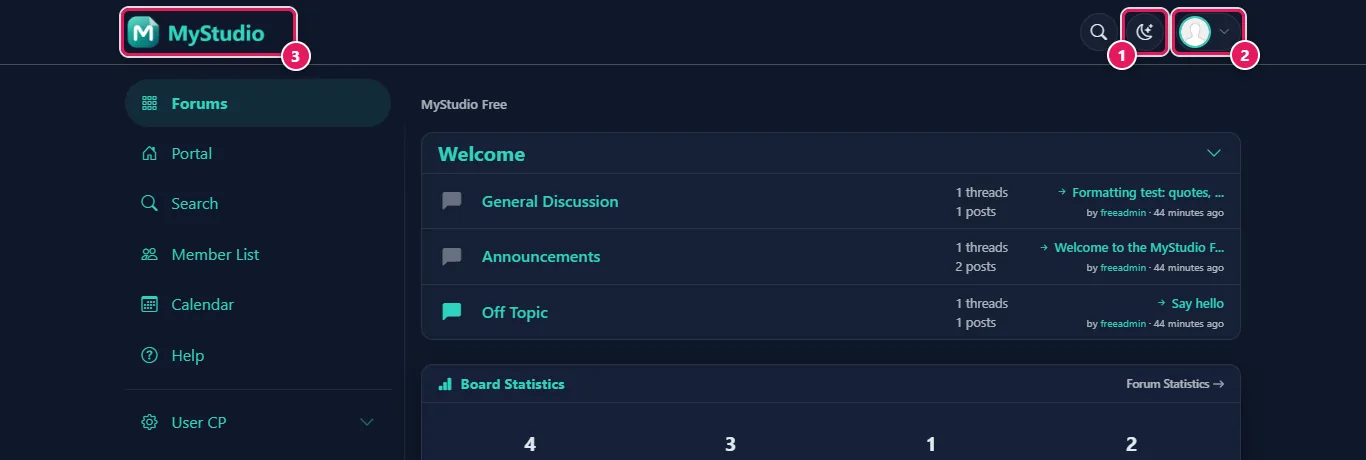
Three things to make MyStudio Free yours: the logo, an optional text logo, and the colour mode.
Use your own logo image
- Upload your logo, for example to
images/mystudio-free/my-logo.png. - Admin CP → Templates & Style → Themes → MyStudio Free.
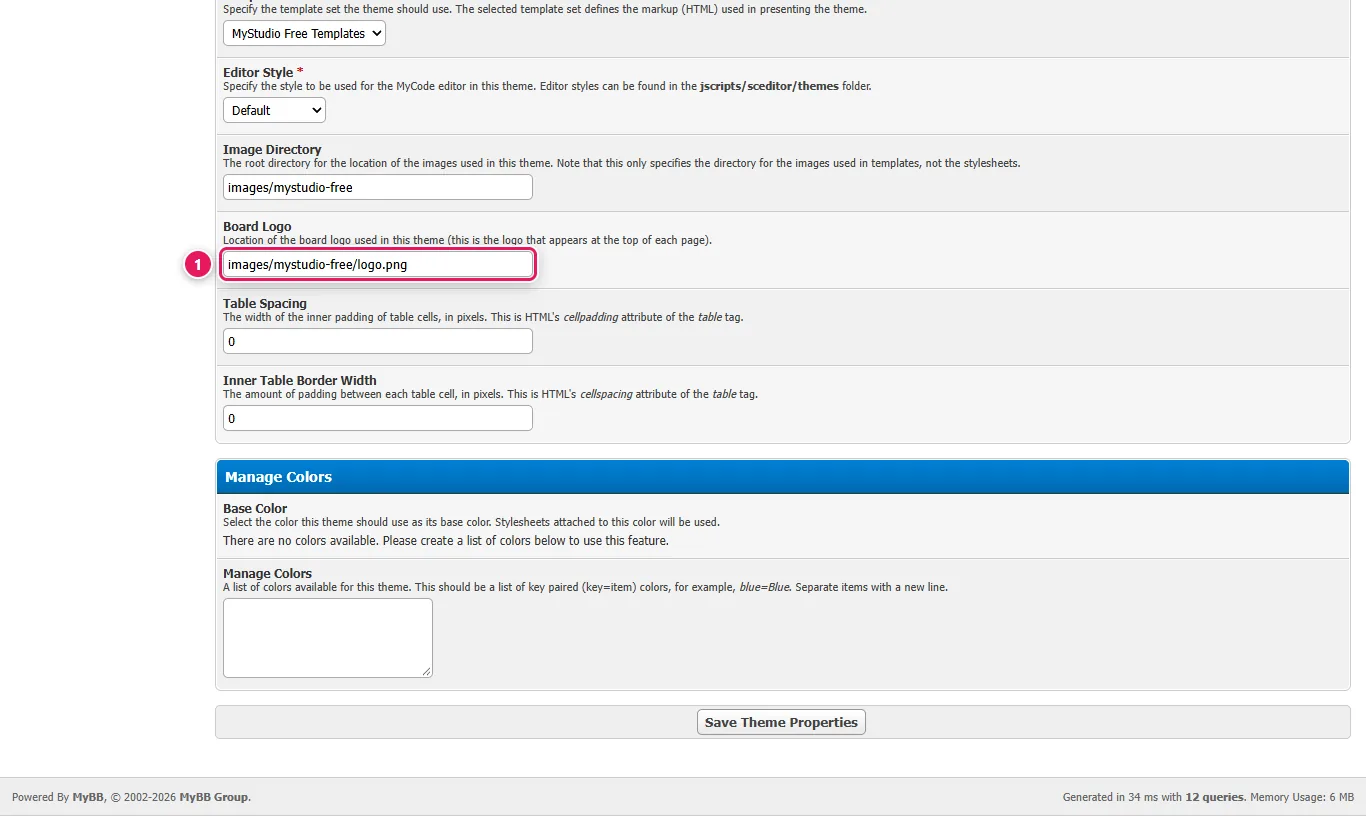
- Under Edit Theme Properties, set Board Logo to its path and save.
SizeShown 40 px high (32 px on phones). Upload it at least 80 px high for sharp screens.
BackgroundUse a transparent PNG or SVG, so it suits both modes.
Use a text logo instead
The header template has a text logo ready: your board name in the theme colour.
- Templates & Style → Templates → MyStudio Free Templates → Header Templates → header.
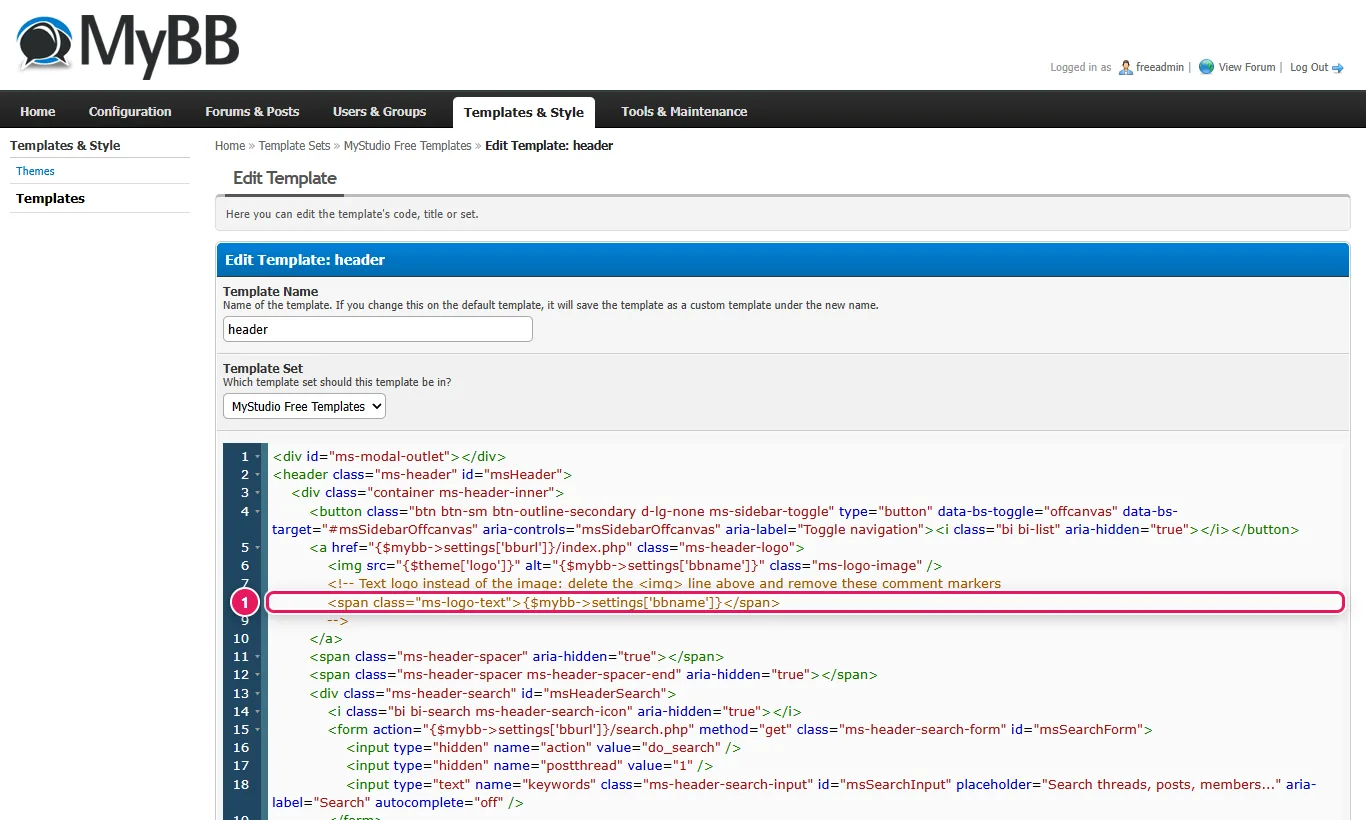
- Delete the
<img … class="ms-logo-image" />line. - Remove the
<!--and-->around thems-logo-textline, then save.
Dark and light mode
- Visitors switch with the moon / sun button in the header.
- The choice is kept in their browser, so it follows them from page to page.
- New visitors start in dark mode.
Want light mode first? In the headerinclude template, the line with msFreeMode says 'dark' twice: change both to 'light'.
The sidebar menu
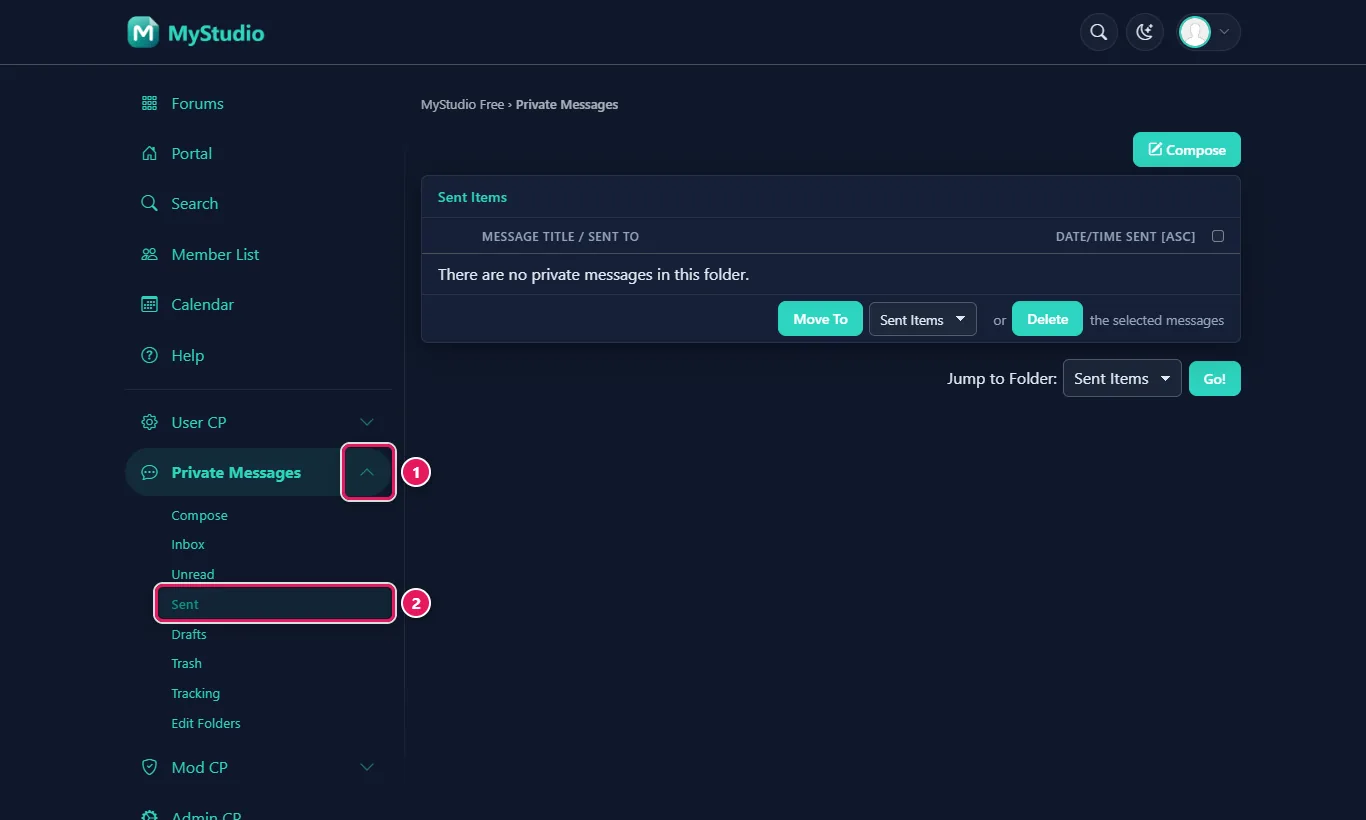
User CP, Private Messages and Mod CP are dropdowns. The name opens the page; the arrow opens the menu. The section you are in stays open.