A MyStudio theme package is one ZIP with a whole theme: files, PHP, settings schema and modules. Export it to move or share a theme; import it with a review of every file first.
Where
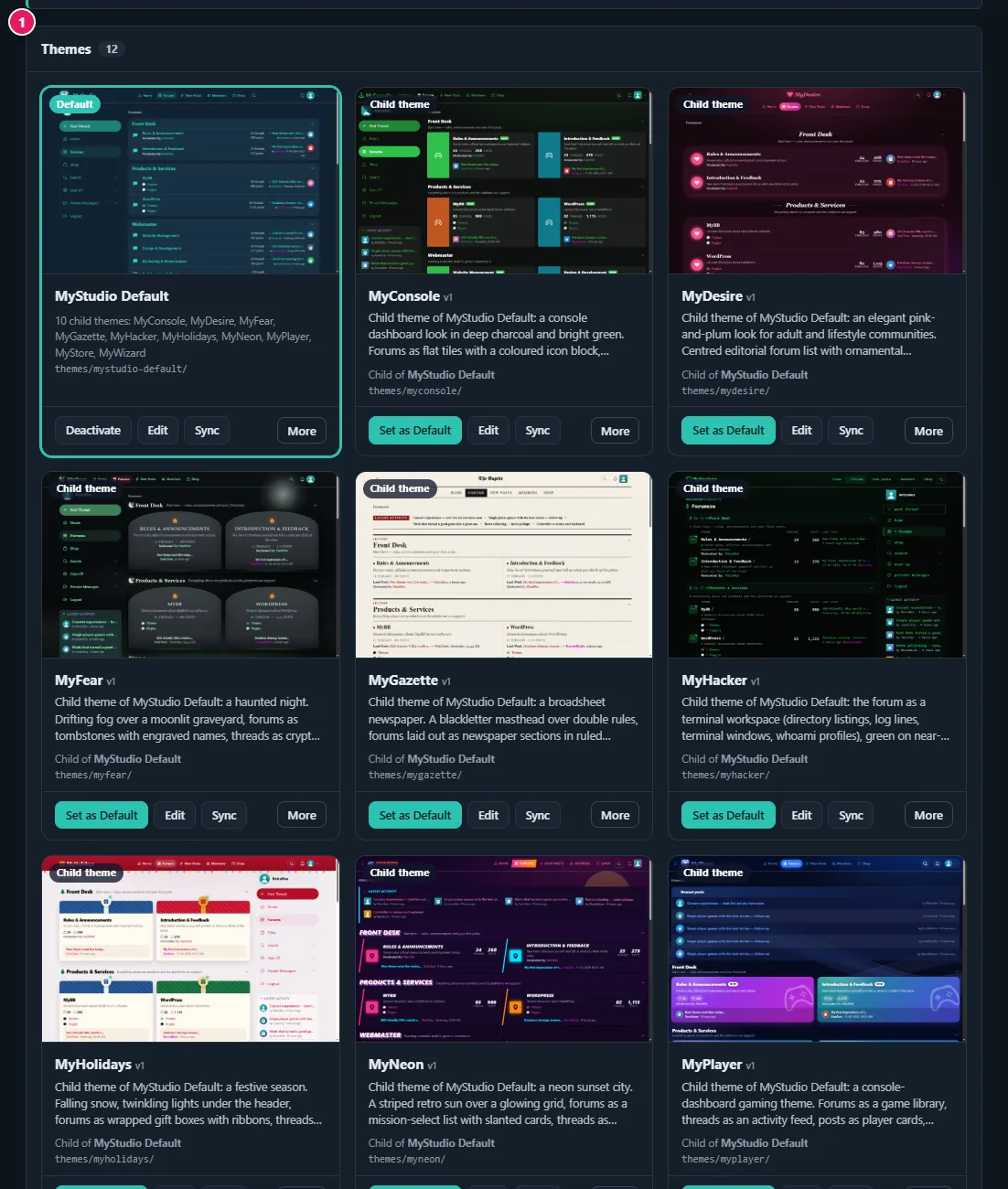
- Both forms are at the bottom of MyStudio → Themes
- More → Export Package on a card jumps there with the theme selected
Export a package
- Theme: choose it (database-only themes are written to disk first).
- Modules: the ones in its
theme.jsonare always in; tick others to add. - Include module settings: this forum's values become the package defaults. Secrets such as API keys are never exported.
- Click Download ZIP.
A child theme's package holds only its own files; the importing forum needs the parent first.
mystudio-package.json   what the package holds, with a fingerprint of every file
theme/                  templates, CSS, JS, images, theme.json
php/                    hooks.php, language files
options.php             the settings schema
modules/{id}/           each included module
Import a package
- Under Import Package, choose the ZIP (for a new theme, its MyBB parent, normally Master Style).
- Upload and Review: it is unpacked in a private folder; nothing is installed yet.
- The review lists the theme, every module, every file and every PHP file with its code, and warns if files changed after export.
- Install Package, or Cancel to delete the upload.
The theme goes to themes/, its PHP to MyStudio's theme code folder (never themes/), modules to the modules folder; then it syncs.
Safety rules
PHP needs trustOnly super admins, and those allowed in Delegation, install a package's PHP.
No code in themes
theme/ holds web files only; PHP and dotfiles are refused.Templates checkedEach passes MyBB's template security check.
Read the PHPImport only from people you trust: it runs on your server.
Older MyStudio ZIPs (PHP in functions/ or lang/) still import.
Common uses
- Move a theme from a test forum to your live one
- Back up a theme before big changes
- Sell or share your own theme as one file: creating a theme